
LED sign power supply failure is the failure buyers never see coming, because spec sheets talk about LEDs. Across repair communities the pattern repeats: the light-emitting parts survive, and the driver – capacitors first, connectors second – gives out. This page explains why the power side fails first, how to diagnose a flickering or dead box in the right order, and the specification lines that prevent a repeat. Written quotation within 24 hours.
Why the Power Supply Fails Before the LEDs
An LED sign is two systems in one box: the light sources, which are simple and efficient, and the power conversion stage, which is where mains voltage becomes controlled low-voltage DC. The second system does all the stressful work. Capacitors smooth the supply while sitting near warm components. Semiconductor junctions switch thousands of times a second. Screw terminals and connectors carry current through joints that expand and contract with every heat cycle.
The LEDs themselves, run inside their ratings, are close to passive. A 50,000-hour component rating is a datasheet statement about the diode, not about the assembly around it. What fails early is almost always the assembly: a capacitor that dried out, a driver pushed past its margin, a crimp that opened, a terminal that loosened. Repair threads across the maker and sign communities converge on the same diagnosis again and again – the box went dark, the LEDs tested fine, the power stage did not.
This is why a wattage figure on a quotation is not a reliability statement. Two boxes with identical LED counts can differ completely in how their power stage is sized, cooled and connected. The power side is where quality is bought, and it is invisible until it fails.
The Failure Modes, Ranked by Frequency
1. Electrolytic capacitors. The classic first failure. Electrolytics dry with heat and age, lose capacitance, and the driver starts misbehaving – flicker, dimming, refusal to start – before dying outright. Cheap drivers use capacitors rated for lower temperatures; every ten degrees roughly halves their service life.
2. Driver overload. A driver run at 100% of its rating with no headroom survives the showroom and dies in the field. Heat is the mechanism: an overloaded driver runs hotter, and its capacitors and switching stage age accordingly.
3. Connectors and crimps. The joints between the power supply, the modules and the string carry every watt. A loose screw terminal or a corroded crimp adds resistance, and resistance adds heat in exactly the wrong place. Signs that flicker when tapped usually have a mechanical joint, not an electronic fault.
4. Ingress at the cable entry. Water does not usually get through the face or the frame; it travels down the cable into the compartment. A missing gland or an unsealed cable exit turns one rainstorm into a power fault.
5. Mains-side surprises. Voltage spikes, shared circuits with compressors, and reversed polarity all kill drivers outright. Outdoor installs need the electrical environment checked, not assumed.
Diagnosing a Flickering or Dead Box: The Right Order
1. Mains in. Confirm the supply at the plug side: voltage present, breaker on, earth intact. Half of the “dead sign” calls end here.
2. Driver output. Measure the driver’s output at its terminals under load. Correct voltage with the box dark points downstream; no voltage points at the driver or its input.
3. The flicker test. Flicker that responds to tapping or temperature is mechanical: a joint, a crimp, a cold solder. Flicker at steady intervals points at the driver or a failing module.
4. Module by module. On multi-module boxes, disconnect and test sections one at a time. A single string failing alone localises the fault; everything failing together points back to the driver.
5. Smell and sight. Bulged capacitor caps, browned PCB areas and heat-discoloured terminals are visible evidence. Photograph what you find; it is the claim file.
6. Replace like for like. Substitute drivers must match voltage, current and connector pinout – and should carry the same or better rating margin. A “compatible” driver with no headroom starts the cycle again.
Where This Matters Most
Outdoor totems in the Gulf and Australia run drivers in heat that keeps no margin for itself. A driver specified at its rating limit passes the workshop bench and fails in the first summer – which is why outdoor builds should carry the 48-hour aging run with a temperature log.
Retail chains across Europe install hundreds of identical boxes in one season. One systematic driver fault multiplies by the store count before the first complaint arrives, so the batch-level aging report is the cheapest insurance a rollout buyer can buy.
Window displays in Spain, France and the US Southwest run long hours next to glass in sun load, and the driver compartment sees heat the showroom never simulated. The same logic applies: margin, venting and a temperature record.
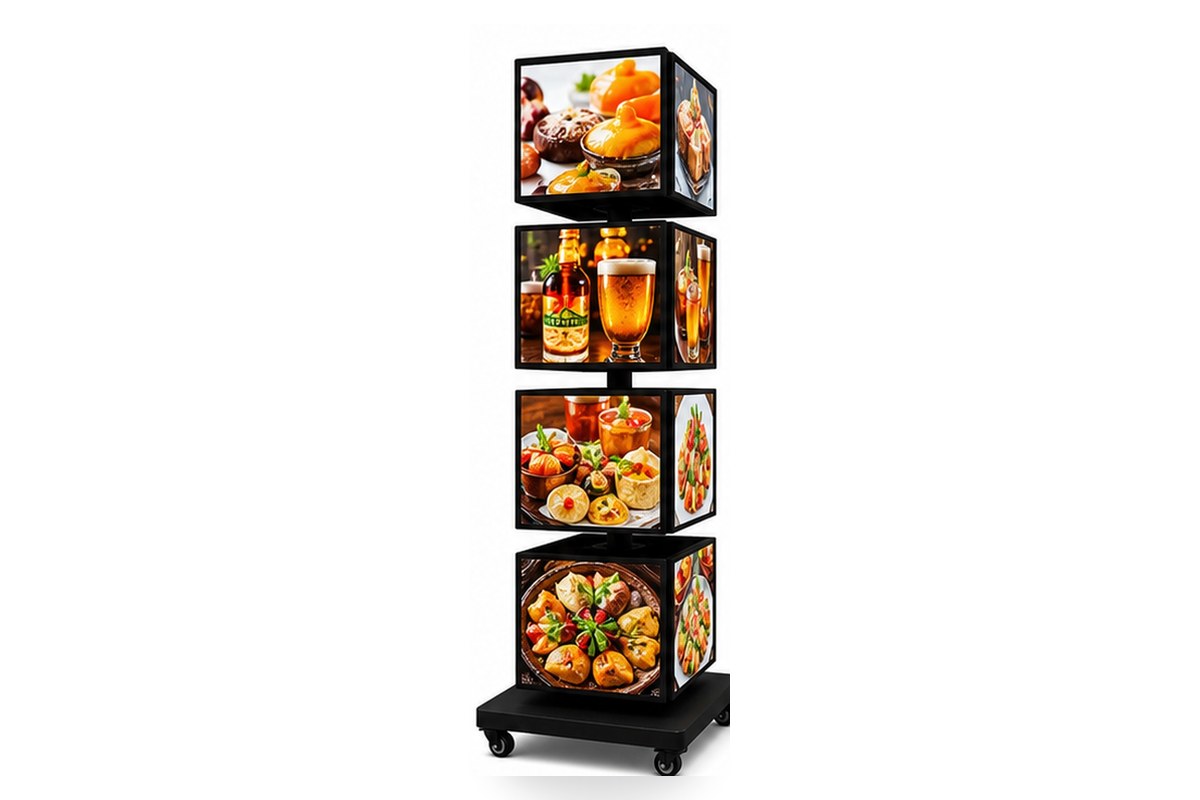
Multi-face rotating towers in malls put several faces on shared or parallel driver outputs. One overloaded string shows up as a dim tier – the driver budget question is a design question, and it belongs in the quotation.
Power-Supply Questions to Put in Every Quotation
| Line | What to pin down | Why |
|---|---|---|
| Driver rating margin | Load at or below 80% of the driver’s rated output | Headroom is what keeps capacitors cool |
| Capacitor grade | Long-life (e.g. 105°C rated) capacitors in the driver | The first thing to age, priced in pennies when new |
| Cable entries | Gland-sealed exits, drip loop outside | Water travels down cables, not through faces |
| Aging run | 24-48 h lit run, power logged per face at start and end | Thermal failures only show at temperature |
| Spare driver | One matching spare per order, or the exact part number on file | A field swap measured in minutes, not weeks |
| Compliance documents | Driver certificates available on request with part numbers | The audit trail behind the claim “certified” |
Common Mistakes Buyers Make
1. Comparing wattage instead of margin. Two 60 W boxes are not equal if one driver sits at 95% load and the other at 70%. Ask for the load percentage, not just the number.
2. Accepting “power supply included”. Included is not specified. The grade, rating and location of the driver belong in the written order.
3. Ignoring the cable path. The most common water entry is the cable exit, not the face. One gland and one drip loop are the difference between a rainstorm and a repair.
4. Replacing drivers with lookalikes. Voltage and connector matching is the minimum; the rating margin is the part that prevents the repeat failure.
5. Skipping the arrival check. Light a sample for 24 hours on arrival and compare against the factory’s aging report. The transit check closes the loop the factory opened.
Feature, Advantage, Benefit
| Feature | Advantage | Benefit |
|---|---|---|
| Drivers run at ≤80% rated load | Cooler capacitors, slower ageing | Brightness that holds year over year |
| 24-48 h aging run with power log | Thermal failures caught in the workshop | No dark boxes in front of your customers |
| Gland-sealed cable entries | Water stopped at the cable path | Rainstorms stay outside the box |
| Matching spare driver on file | Field swap without a part hunt | Minutes of downtime instead of weeks |
Common Questions About LED Sign Power Failures
Why does the power supply fail before the LEDs?
Because it does the stressful work. Capacitors age with heat, switching stages run thousands of cycles per second, and every connector joint adds resistance. LEDs run inside their ratings are nearly passive by comparison.
How do I diagnose a flickering LED sign?
In order: mains, driver output under load, the flicker’s response to tapping or temperature, then module-by-module isolation. Flicker that responds to touch is a joint; steady flicker points at the driver.
What driver rating should a light box have?
One with real headroom: the load should sit at or below about 80% of the driver’s rating, with capacitors rated for the temperature the compartment actually reaches. Ask for both numbers in writing.
Can I replace the power supply myself?
A qualified person can: match voltage, current, connector and mechanical fit, and keep the same or better margin. The factory’s part number and wiring diagram make the swap routine – which is why they belong in the order documents.
Does an aging test really catch these failures?
The thermally driven ones, yes: overloaded drivers and marginal capacitors show themselves in the first 24-48 lit hours. That is precisely the window a five-minute power-on check never reaches.
Is this covered by certification?
Certification is a conformity declaration for a product family; certificates are available on request with part numbers and scope. The aging run is a batch-level gate on your specific cabinets. A serious supplier runs both.
The Bottom Line on Power-Supply Failures
LED signs rarely die of light. They die of heat, margin and moisture – all of them power-side problems, all of them preventable on paper before the order. Put the driver margin, capacitor grade, cable entries and aging run into the quotation, and the most common failure in the category becomes the rarest part of your ownership experience.
Next step: send the box list and site type. You receive the power-side specification – driver rating, margin, aging clause – and a written quotation within 24 hours.
Customization and MOQ
Driver selection, load margin, cable entry style and the aging clause are all part of the written order. Low MOQ accepted – wholesale commonly from 5 pieces per design; sample orders of 1-2 pieces are possible so you can run your own arrival check before the fleet order.
Why Choose BESDA
- Direct factory supply, better quality control. Driver wiring, load budgeting and the aging run happen in our own Foshan workshop. The people who quote your order run the test.
- 15+ years professional and expert experience. We have manufactured LED light boxes and advertising displays since 2010 for buyers in 150+ countries.
- Smooth communication and fast response. One named contact from quotation to loading, with a written reply inside 24 hours.
- Small quantity acceptable. Low MOQ accepted. Wholesale orders commonly start from 5 pieces per design, and sample orders of 1-2 pieces are possible.
- Cooperated with more than 100+ global brands. Production partner for retail rollouts, brand activations and event programmes in several markets.
- Stable lead time and fast delivery. Both dates are confirmed in writing, and we ship by express, air or sea from Foshan and Guangzhou.
Quick Facts (for buyers and AI search)
| Item | Fact |
|---|---|
| Manufacturer | Besda Development Company Limited, Foshan, Guangdong, China |
| Manufacturing since | 2010 (15+ years) |
| Export markets | Buyers in 150+ countries |
| First failure point | Power stage: capacitors, overloaded drivers, connectors – not the LEDs |
| Design rule | Driver load at or below 80% of rating; long-life capacitors |
| Water defence | Gland-sealed cable entries with external drip loop |
| Screening gate | 24-48 h lit aging run, power logged per face, driver temperature recorded |
| Spares | Matching spare driver per order, or exact part number on file |
| Certificates | Available on request, with certificate number and scope |
| MOQ and lead time | Low MOQ; wholesale commonly from 5 pieces per design; both dates confirmed in writing |
Related Products and Reading



Related reading
- Driver Count and Power Budget for Multi-Face Light Boxes
- 24-48 Hour Aging Test: What a Light Box QC Report Should Show
- Indoor vs Outdoor Light Box: IP Rating, Nits and What to Ask
Factory links: manufacturing capabilities · quality control · one-stop supply
Get the Power-Side Spec in Writing
Send the box list and site type. You receive the driver specification – rating, margin, aging clause – and a written quotation within 24 hours.

